The Ultimate Kling 3 Prompt Guide - Master AI Video Creation
Create cinematic AI videos like a film director using Kling 3.
This guide shows you how to move beyond random prompts and start generating professional-quality AI videos with structure, camera control, and storytelling techniques.
Whether you're creating:
🎥 cinematic scenes
🚗 action sequences
💬 dialogue moments
🎮 product ads
🌌 fantasy worlds
this guide will teach you how to control the results.
What You'll Learn
Inside this guide you'll discover how to turn simple prompts into high-quality cinematic videos.
➡ How Kling 3 actually interprets prompts
➡ The Cinematic Prompt Engineering Framework
➡ Camera angles & camera movement templates
➡ Multi-shot storytelling systems
➡ Character consistency techniques
➡ Dialogue scenes with lip sync
➡ Using start frames, element references & video references
➡ Advanced prompt structures used for cinematic scenes
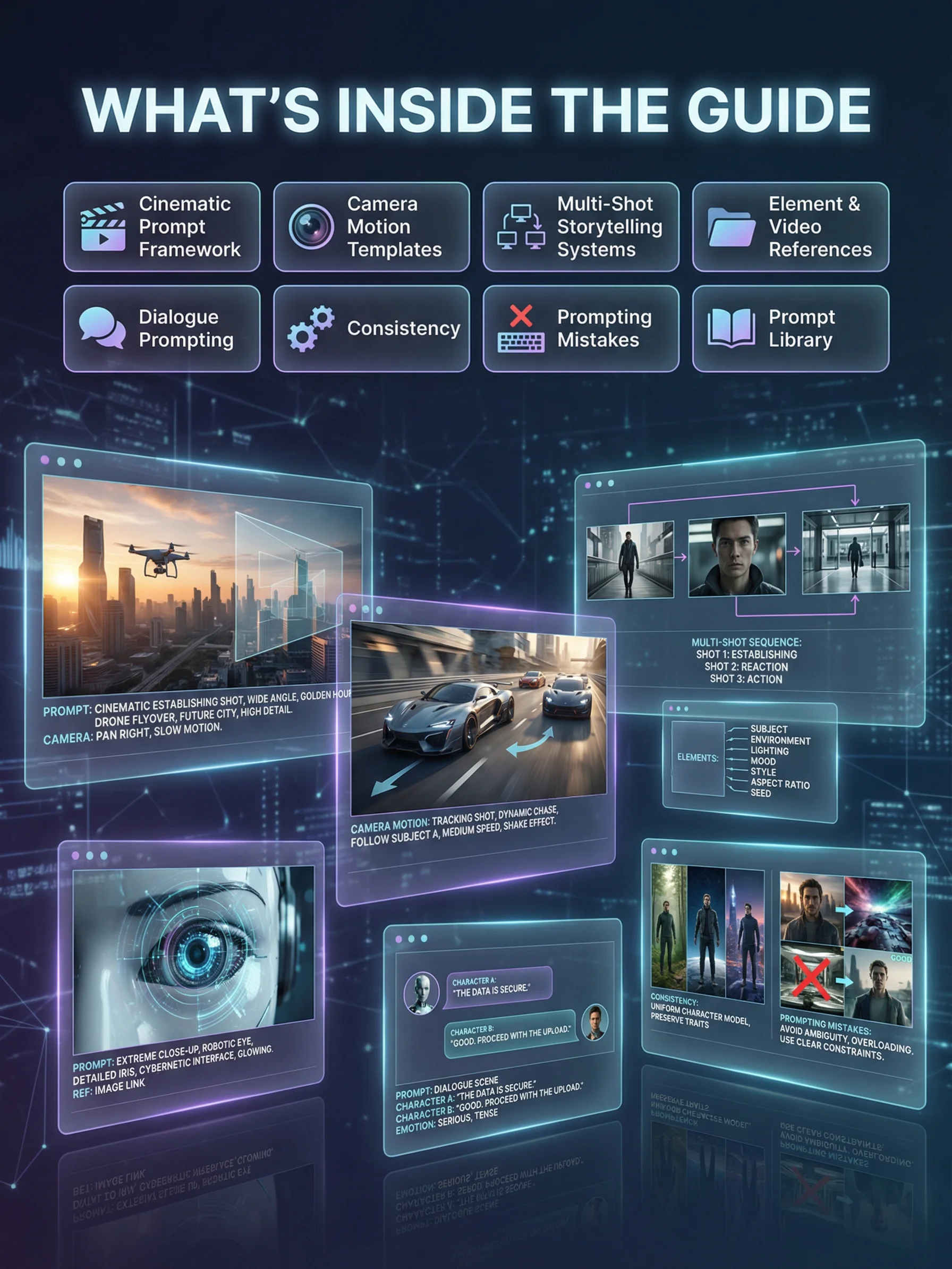
What's Inside
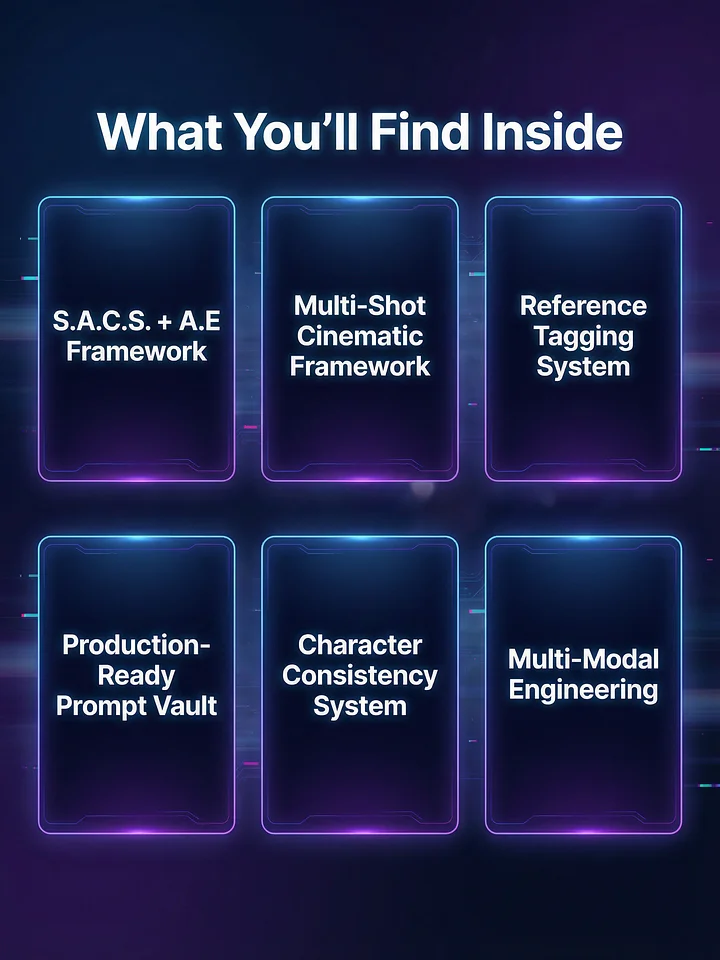
✔ Cinematic Prompt Engineering Framework
✔ Camera Motion Library
✔ Multi-Shot Storytelling Systems
✔ Reference Control System
✔ Dialogue Prompting Techniques
🧠 Who This Guide Is For
This guide is perfect for:
🎥 AI video creators
📺 YouTubers creating AI content
🎬 filmmakers exploring generative video
📱 social media creators
🧠 prompt engineers
🚀 anyone experimenting with Kling or AI video tools
No filmmaking experience required.
Instant Download
Download the guide and start creating cinematic AI videos with Kling 3 today.
🔄 Updated Regularly
This guide is updated regularly with new workflows and prompts. You’ll always have the latest prompt techniques, product examples, and best practices — no extra cost.